❤️
Rate & Date Beta
Two quick steps on your Android phone. Use the same Google account for both.
Step 1 · Join the testers group
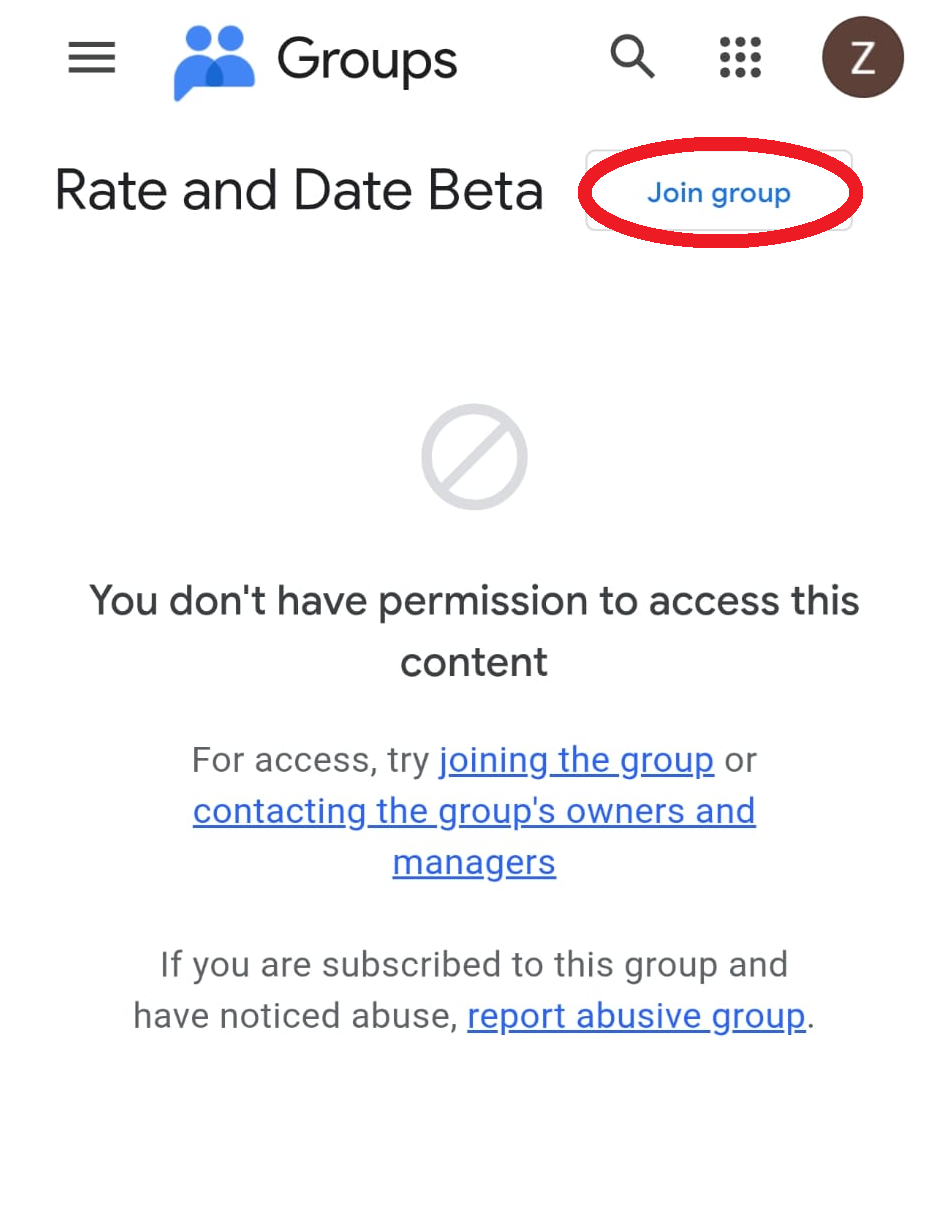
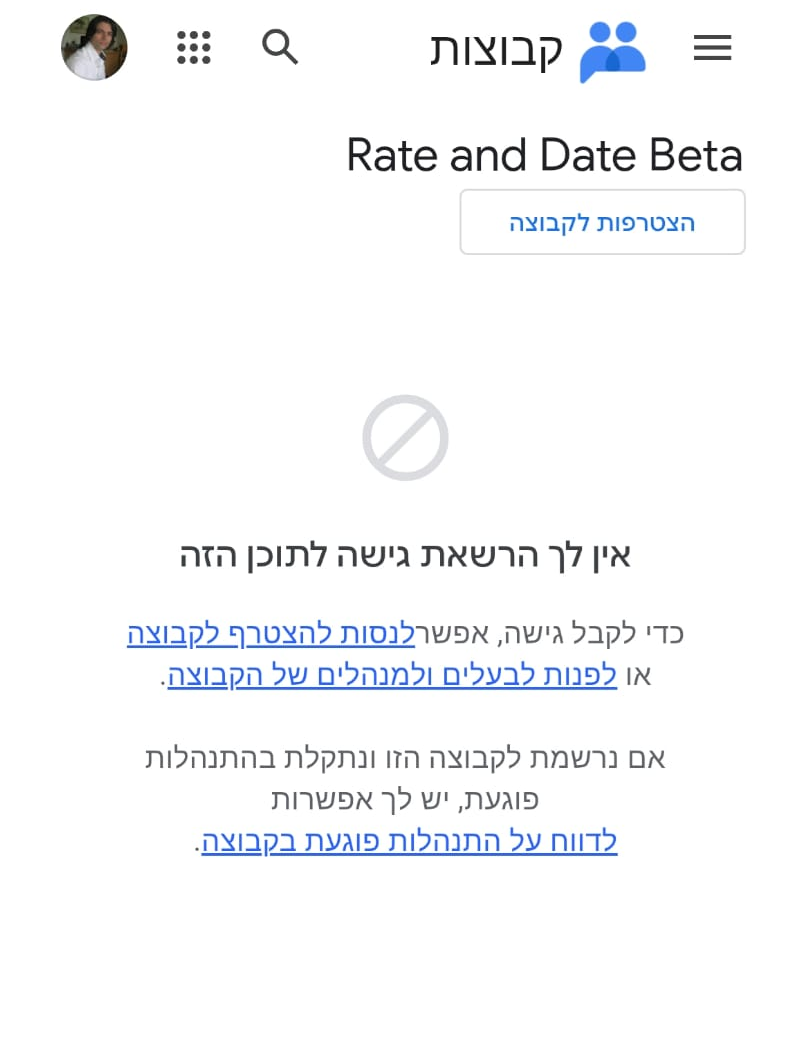
Look for the Join group button in the top-right corner of the page (shown below) and tap it.
You may first see a message saying you don't have access to the content, that's normal, just ignore it. The Join button works regardless.
 Join the Group
You may first see a message saying you don't have access to the content, that's normal, just ignore it. The Join button works regardless.
English
עברית
Step 2 · Become a tester & install
Wait a few minutes after joining the group. Google Play needs a moment to recognise you as a tester. Then tap "Become a tester" and install Rate & Date from Google Play.
If Play shows "Something went wrong", just wait a few more minutes and try again. Become a Tester
If Play shows "Something went wrong", just wait a few more minutes and try again. Become a Tester
👀 The part that actually matters
Google checks real usage, not just installs. An install that sits untouched doesn't help. For the next 2 weeks:
- Open the app once or twice a week, 2 minutes is enough.
- Scroll a bit, rate a few profiles, vote in the weekly poll.
- Don't uninstall or leave the test program.